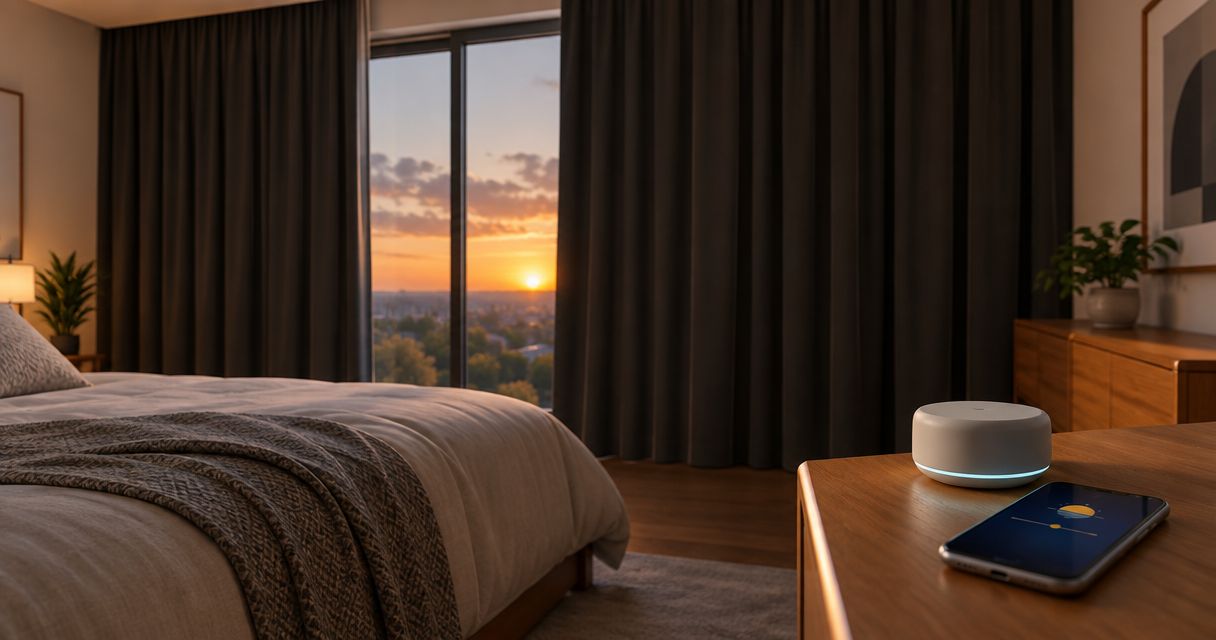
Instead of closing blackout curtains by hand each evening, set an automatic blackout curtains sunset schedule in Home Assistant so a compatible motor closes them at your home's calculated sunset. This 2026 workflow connects a location-based trigger to a tested closing command, with an optional earlier close for evening privacy.
- Use Home Assistant for an automatic blackout curtains sunset schedule when your curtain motor already responds to its controls.
- Test the closing command before scheduling; blackout fabric alone does not make curtains automatic.
- Curtain-store offers custom curtains and installation support for Riyadh homes and businesses.
- Use a sunset offset for earlier privacy, not a fixed clock time that needs seasonal adjustment.
Why this matters
Sunset changes through the year. A fixed evening alarm stays at the same clock time; a sunset trigger follows the solar event calculated for your configured location. That distinction matters when your goal is privacy as daylight fades, rather than closing at a particular hour.
Curtain-store is a fit for Riyadh homeowners seeking custom curtains and installation support. Explore Curtain-store for the window treatment itself, then confirm automation compatibility separately. Custom fabric, a motorized track, and a working smart-home connection are different parts of the project.
This guide uses Home Assistant because its sun trigger can call a curtain-closing action directly. It does not assume that your curtain motor works with Home Assistant, or that the store supplies a particular motor or automation platform. Confirm that connection before following the configuration steps.
Before you start
- Working curtain control: You need motorized blackout curtains connected to Home Assistant as a cover entity. Open and close the curtain from Home Assistant before building the schedule; a remote-control-only installation is not enough for this workflow.
- Configuration access: You need permission to create automations, your actual curtain entity ID, and the correct home location and time zone. For a Riyadh installation, select the Riyadh location rather than leaving a default location from initial setup.
- The hidden gotcha: A curtain's reported open or closed state can disagree with its physical position when motor direction or travel limits are wrong. Confirm full closure and correct direction before scheduling unattended movement.
For your 2026 setup, begin with 1 curtain rather than a whole-room group. A single target makes it easier to identify a reversed motor, an unavailable device, or an incorrect entity. Expand the automation only after the first curtain passes the live test.
Keep the curtain's normal control method accessible during setup. Clear the track and the fabric's travel area, and follow the motor manufacturer's instructions for calibration or manual operation. Do not pull a motorized curtain by hand unless its instructions allow that operation.
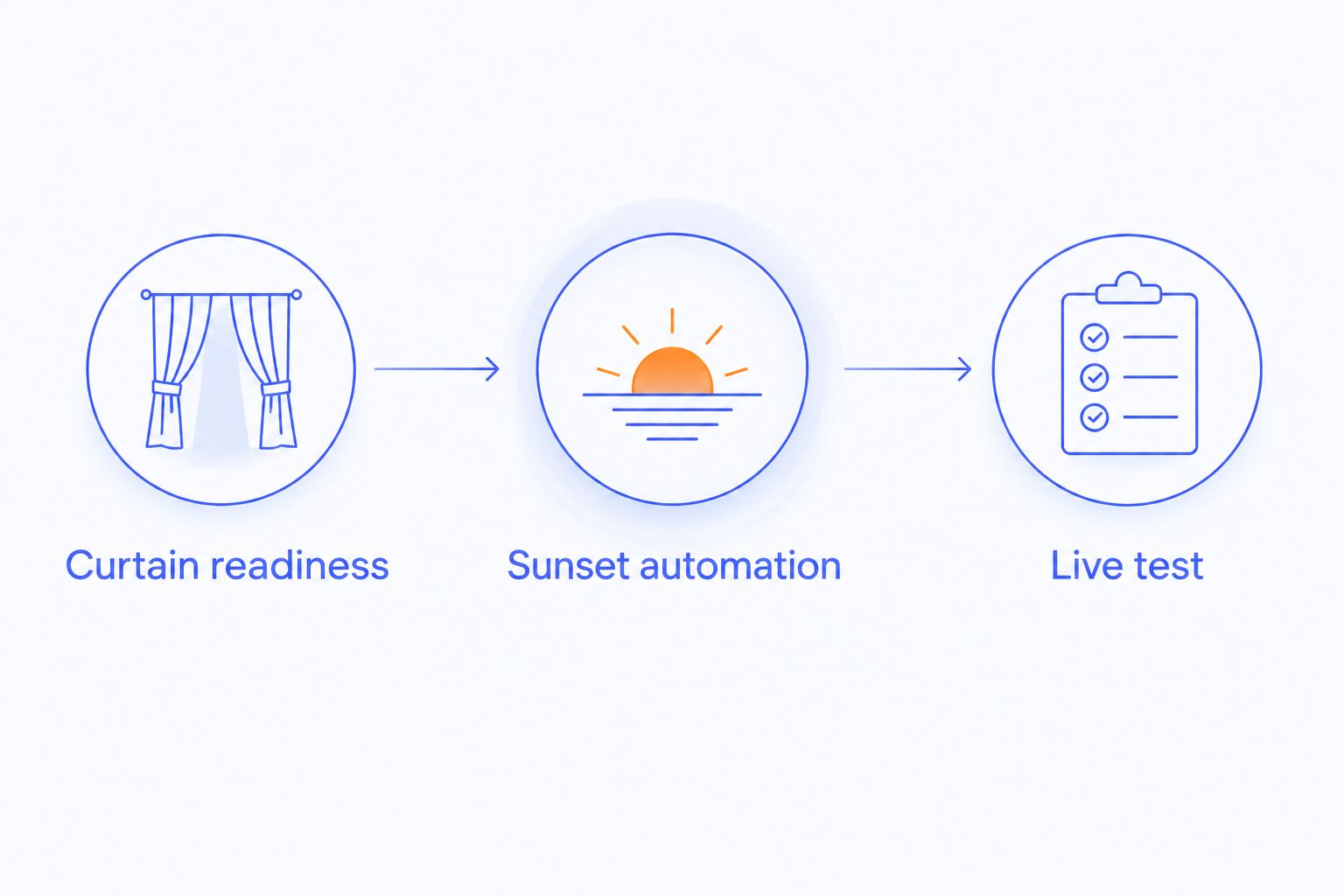
Curtain readiness
The first configuration unit is the physical curtain and its Home Assistant entity. The goal is simple: a closing command must actually close the blackout layer, not a nearby sheer curtain or another room's blind.
- Open Settings, then Devices & services, and select Entities.
- Locate the curtain entity. Record its entity ID exactly, including the
cover.prefix. - Open the entity's controls and command the curtain to open. Watch which curtain moves and confirm that movement matches the command.
- Command it to close. Check the centre overlap, the ends of the track, and any fabric catching on furniture or fittings.
- Correct motor direction or travel limits using the manufacturer's procedure if the commands are reversed or the curtain stops short.
Expected result: The intended blackout curtain opens and closes from Home Assistant, and a close command reaches its configured closed position without obstruction.
A motor stopping successfully does not prove that the room is dark. Gaps around the fabric, a centre opening, or a curtain that does not cover the window can still admit light. Treat movement and light blocking as separate checks; an automation cannot fix poor coverage.
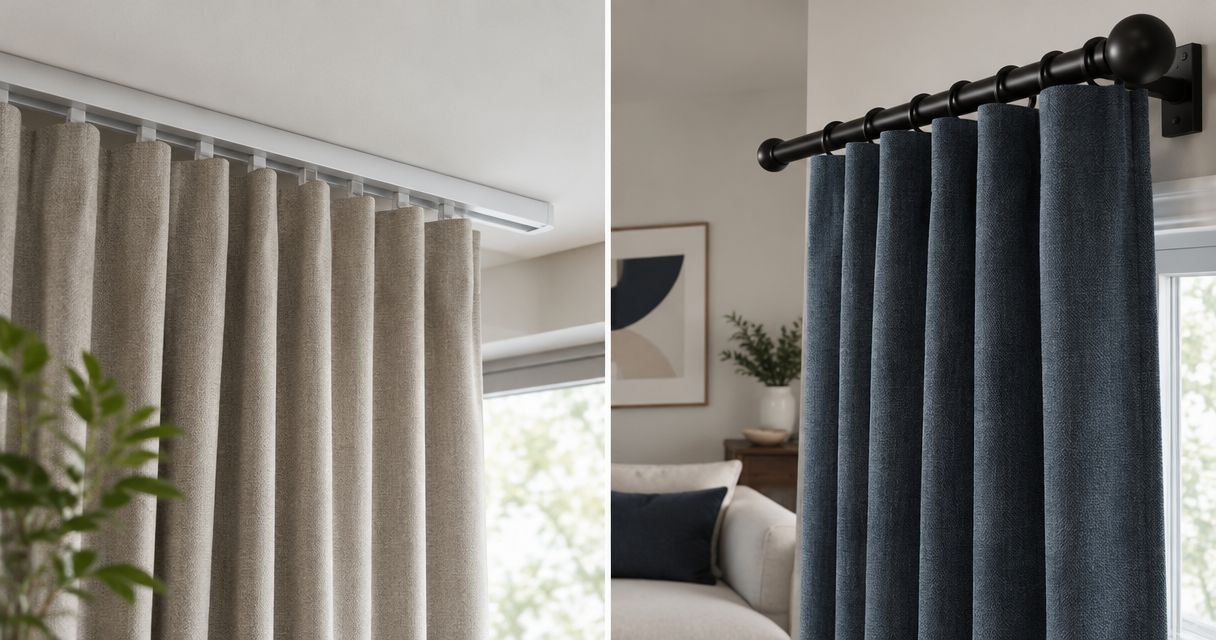
If you are planning new custom curtains, ask about the track arrangement, fabric coverage, motor control method, and integration requirements before approving the installation. Curtain-store provides curtains and installation services; confirm the specific motor and smart-home scope during your call rather than assuming every installation includes automation.
Sunset automation
Home Assistant's sun trigger uses the location configured for the home. For this 2026 workflow, the trigger is sunset and the action is an explicit close command—not a toggle that changes behaviour depending on the curtain's starting position.
- Open Settings, then Automations & scenes.
- Select Create automation, then Create new automation.
- Open the automation editor's menu and choose Edit in YAML.
- Replace the editor contents with the example below. Replace
cover.bedroom_blackoutwith the real entity ID recorded during the readiness check. - Select Save and confirm that the automation is enabled.
alias: Blackout curtains at sunset 2026
description: Close the bedroom blackout curtain at local sunset.
triggers:
  - trigger: sun
    event: sunset
    offset: "00:00:00"
conditions: []
actions:
  - action: cover.close_cover
    target:
      entity_id: cover.bedroom_blackout
mode: single
The entity ID in this example is a placeholder for your configuration, not a named product. Use the exact ID from your installation. Changing the alias makes the automation easier to recognise, but changing the entity ID determines which curtain actually moves.
The empty conditions list means there is no occupancy or weekday restriction. The automation attempts to close the target at every sunset while enabled. The single mode prevents another run of the same automation from starting while an existing run is still active.
Expected result: You have an enabled automation with a sunset trigger and a cover.close_cover action targeting the correct curtain. Saving it does not prove that the motor works; the next configuration unit checks that separately.
Live test
Use 2 tests: one for the closing action and one for the sunset trigger. Testing only the action leaves location errors undiscovered; waiting only for sunset makes a motor problem harder to separate from a trigger problem.
- Open the curtain partway using its normal Home Assistant control. Check that the movement area is clear.
- Open the saved automation and use Run actions. Watch the curtain close and check that the intended blackout layer moves.
- Reopen the curtain if you want to observe the scheduled closure. Keep the automation enabled through the next local sunset.
- After sunset, open the automation's Traces view. Inspect the recorded run and confirm that the closing action executed.
- Compare the trace with the physical curtain position. If the action ran but the curtain stayed open, investigate device control rather than changing the sunset time.
Expected result: The manual action closes the curtain, and a subsequent sunset produces a recorded automation run that closes it again.
Run actions tests the action sequence, not the sunset trigger. A successful manual run proves that the command can work at that moment. It does not prove that the location, time zone, or scheduled trigger is correct.
Keep your first scheduled test simple. Do not add room groups, occupancy conditions, and reopening rules at the same time; each extra rule creates another reason the expected movement might not happen.
Close before sunset for earlier privacy
A second useful workflow closes the blackout curtain before sunset. Choose this when you want the room covered before evening lights are switched on, rather than at the solar event itself.
For example, 10 minutes before sunset is a test setting you can choose—not a required interval or a claimed ideal for every room. Judge the result from inside and outside the room where practical, then adjust for your privacy needs.
- Open the existing automation and select Edit in YAML.
- Change the offset from
"00:00:00"to"-00:10:00". - Keep
event: sunsetand the same verified closing action. - Select Save, then check the next scheduled run and the curtain's physical position.
Expected result: The same curtain closes before the calculated sunset instead of at sunset. A negative offset moves the event earlier; a positive offset moves it later.
Choose one evening closing rule while testing. Keeping both the original and earlier automations enabled makes the curtain receive separate closing commands, which complicates troubleshooting without improving this basic workflow.
| Scheduling option | Best for | Advantage | Limitation |
|---|---|---|---|
| Sunset trigger | Privacy tied to the end of daylight | Follows the calculated sunset through the year | Depends on correct location and working device control |
| Sunset offset | Privacy before dusk | Keeps an earlier close relative to sunset | Requires adjustment to suit your room and routine |
| Fixed-time trigger | A regular household or business routine | Closes at the same chosen clock time | Does not follow seasonal changes in sunset |
For a 2026 home setup, choose the sunset trigger when daylight is the deciding factor. For a business space where closing follows staff hours, a fixed-time rule can be more appropriate. Neither schedule replaces checking that the moving curtain stays clear of people and objects.
Troubleshooting
The manual action works, but sunset does nothing
Check that the automation is enabled, then inspect the home's location and time zone in Settings. A wrong location changes the calculated sunset; a wrong time zone makes displayed times misleading. Review Traces after the event rather than repeatedly testing only Run actions.
The trace shows a close action, but the curtain does not move
Try the curtain's entity controls directly. If those also fail, restore the device connection or power according to the installation instructions. If direct control works, compare the automation's target entity ID with the one you just tested.
The curtain opens when it should close
Correct the motor direction or cover configuration using the manufacturer's instructions. Then repeat both open and close tests. Do not compensate with an opening action in an automation labelled as closing; that hides the configuration error.
The motor stops, but the room still has light gaps
Inspect the closed curtain's coverage, centre overlap, and fabric path. Ask the installer to check travel limits if the curtain stops before its intended endpoint. If the curtain reaches that endpoint but gaps remain, address the curtain or track arrangement rather than changing the schedule.
The curtain reopens after the sunset closure
Look for another automation, motor-app schedule, or household command controlling the same curtain. Temporarily disable conflicting schedules and repeat the test. Keep evening closure and any reopening rule clearly named so you can identify which action ran.
Customize your workflow
Once the single-curtain schedule works, decide which rooms actually need evening closure. Bedrooms, a street-facing living room, and a business meeting room have different privacy routines. Do not add every motorized curtain merely because it is connected.
For a layered window, target the blackout layer explicitly. Closing the sheer layer instead can leave you with the wrong level of privacy when the room is lit. Give entities clear room-and-layer names before expanding the action to additional targets.
Explore the motorized curtains for smart homes guide when planning the physical setup. Keep its purchasing decisions separate from the automation test: fabric coverage, track suitability, and integration compatibility each need confirmation.
For your 2026 configuration, document the target entity, chosen offset, and any other app that controls the motor. Keep this note with your installation information. When you replace a motor or reconnect a device, repeat the action test instead of assuming the old entity still controls it.
Ready to plan your window treatment? Call Curtain-store first to discuss custom curtains and installation needs. Ask specifically about motor compatibility and measurement arrangements; use WhatsApp as a secondary contact route through the store's published contact details.
FAQ
How do I set an automatic blackout curtains sunset schedule?
Use a sunset trigger in Home Assistant and target your connected curtain with the cover.close_cover action. First confirm that the curtain closes correctly from its entity controls, then test the scheduled run.
Can ordinary blackout curtains close automatically?
Blackout fabric alone cannot close automatically. You need a motorized movement system and a compatible controller that can receive the scheduled command.
Do I need to change the closing time every season?
A sunset trigger follows the solar event calculated for your configured location, so you do not need to adjust a fixed closing time seasonally. Keep the home's location and time zone correct.
Can I close my curtains before sunset?
Yes, use a negative offset on the sunset trigger. An offset of -00:10:00 requests closure 10 minutes before sunset; choose the interval that suits your room.
Does Run actions prove my sunset schedule works?
No, Run actions tests the action sequence rather than the sunset trigger. Observe a scheduled sunset run and inspect its trace to verify the complete workflow.
Will the curtains close if Home Assistant is offline?
This automation cannot execute while Home Assistant is not running. A separate motor-side schedule is a different setup and must be checked against that controller's instructions.
Does Curtain-store supply the Home Assistant setup in this guide?
This guide does not establish a Home Assistant setup service from Curtain-store. The store offers curtains, blinds, fabrics, and installation services; confirm motor integration and automation scope directly.
One last thing
If Home Assistant is stopped at sunset, this event-triggered automation does not automatically catch up just because it starts later. Check the curtain position after a system outage, and use its normal control if evening privacy is needed.
A successful setup is not just a saved schedule. It is the correct curtain, a verified closing command, and an observed sunset run—all working together in your own room.